
Security is something we take very seriously at Delacon. As such, we have put in place an optional security feature so call recordings, which may contain sensitive client information, cannot be accessed without entering a security key.
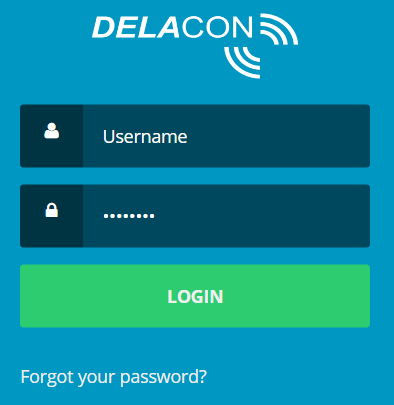
To set up the call recording key, log into the Delacon Portal
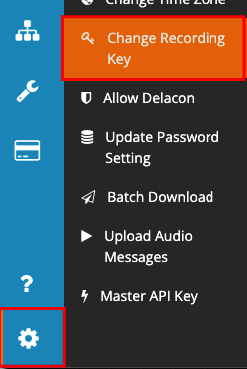
Click on the Settings icon, then Change Recording Key
Enter in the security key you want and press Change Key

Your Call Recording Key is now set. Anytime someone clicks on a link of a call recording, they will be prompted to enter in the Recording Key,
Comments
0 comments
Please sign in to leave a comment.