
Introduction
MatchCraft is a bid optimisation platform that – through Delacon’s integration - allows you to optimise your bids using call tracking data alongside web data. It can be used across a number of advertising networks.
Step 1 - Login to the Delacon Portal
Login to the Delacon Portal with your login credentials:
Step 2 - Navigate to the Integrations Page
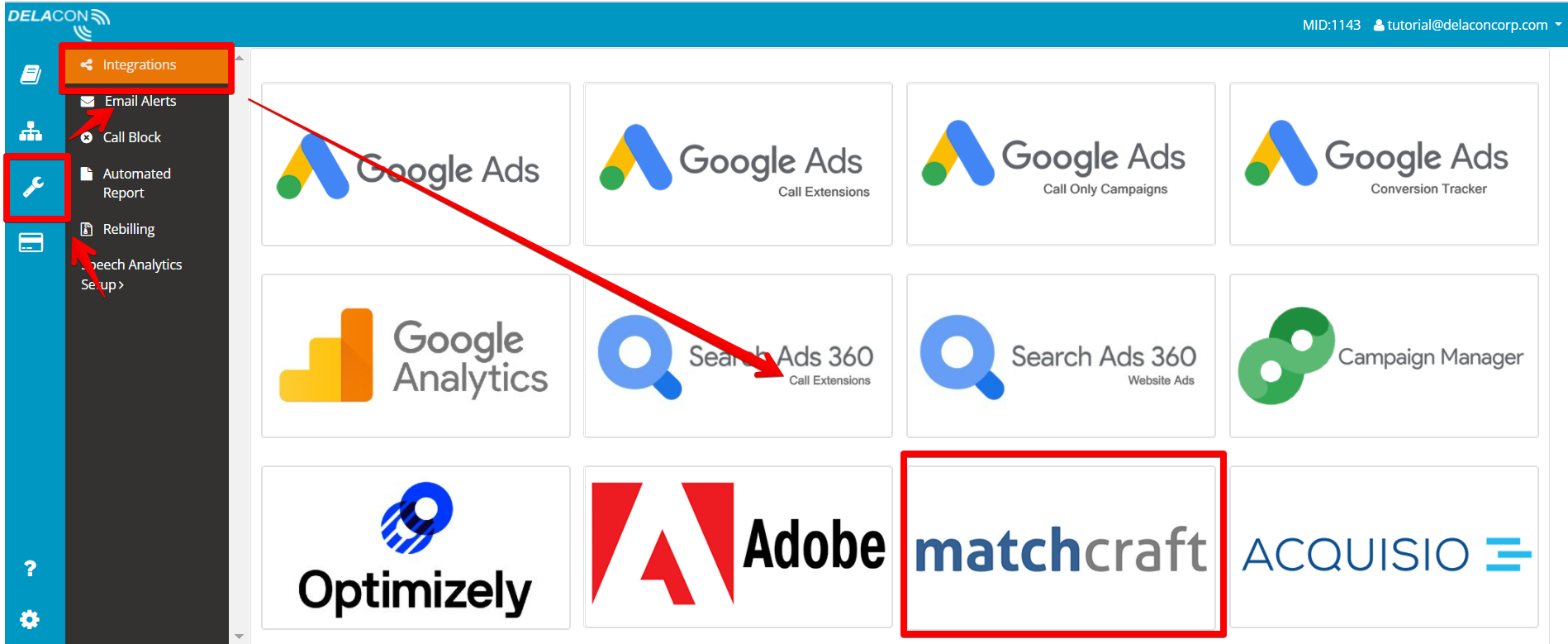
Step 3 - Setup the integration
Once you are on the MatchCraft integration page, you will need to complete the following steps:
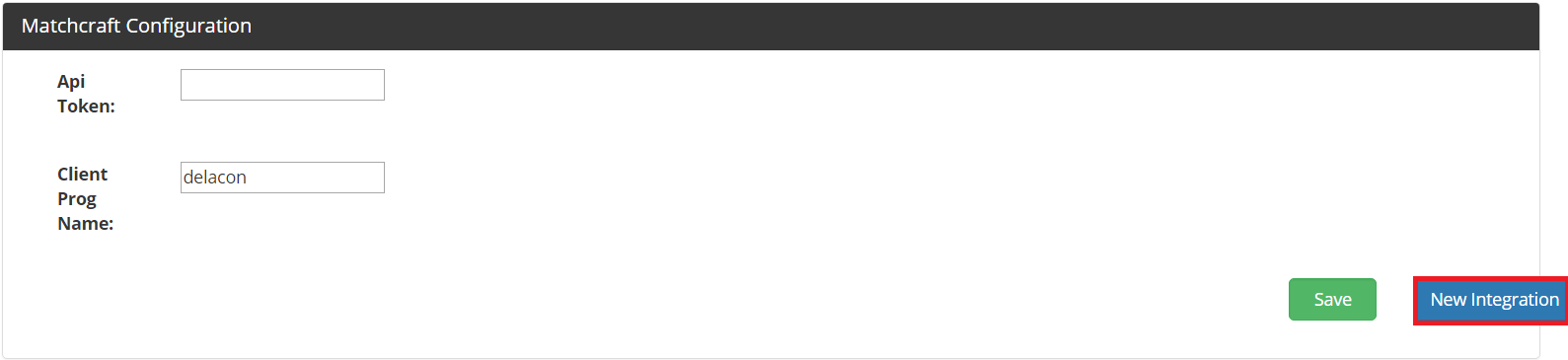
- Click on New Integration:
- Select the Company ID (CID) you want to integrate with MatchCraft and click ‘Add. You may select multiple CIDs if you wish:

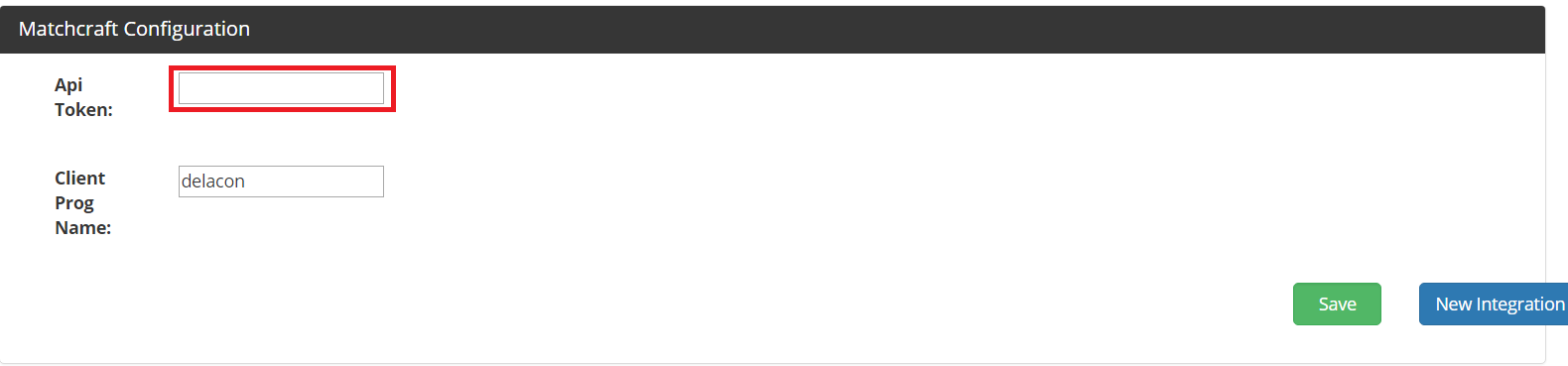
- Enter in your API Token and click Save. You will need to contact your MatchCraft Account Manager to get the API Token information:
- Click on the Edit button the for the CIDs you have added to the integration:

- Enter in the Advertising ID. This can be found in your MatchCraft Instance:
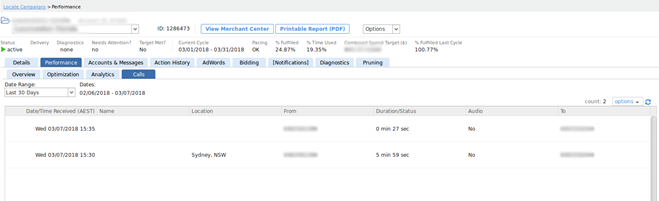

- Click Confirm

The integration is now complete
Comments
0 comments
Please sign in to leave a comment.