
Single Static Call Tracking Number
Step 1
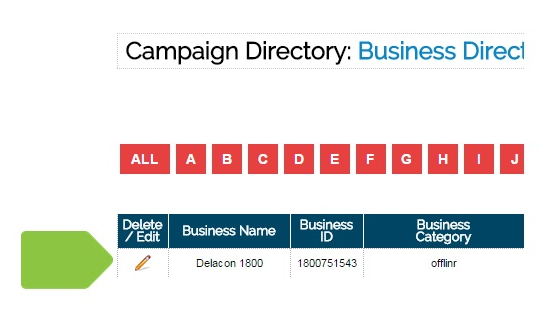
From the Campaign Directory, select the CID (campaign or company) that you’d like to add spacing to the call tracking number.
Step 2
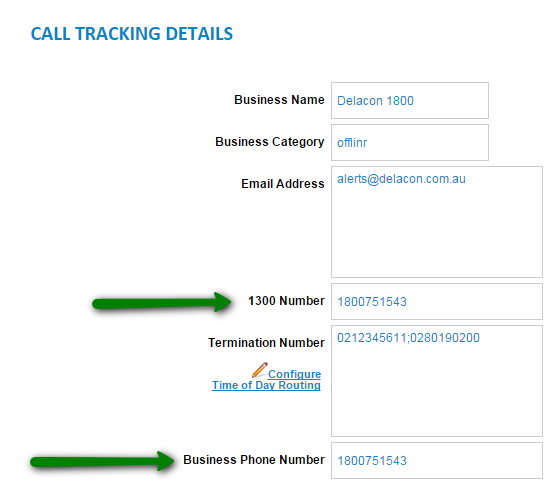
Add spacing to the call tracking and business phone number as required and click on submit updates.
Dynamic Call Tracking Numbers
Step 1
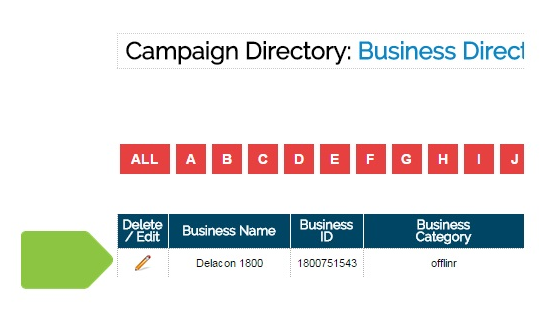
From the Campaign Directory, select the CID (campaign or company) that you’d like to add spacing to the call tracking number.
Step 2
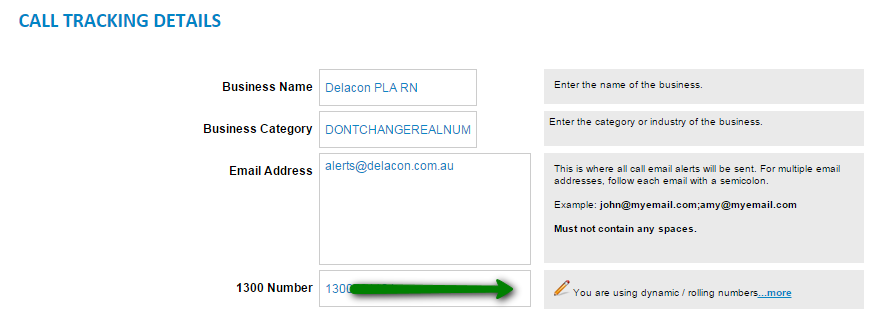
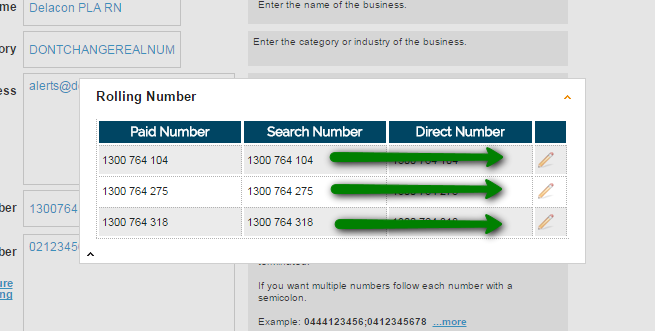
Click on the pencil to reveal the dynamic numbers.
Step 3
Click on each pencil in turn to insert spaces in all the dynamic pencils.
Step 4
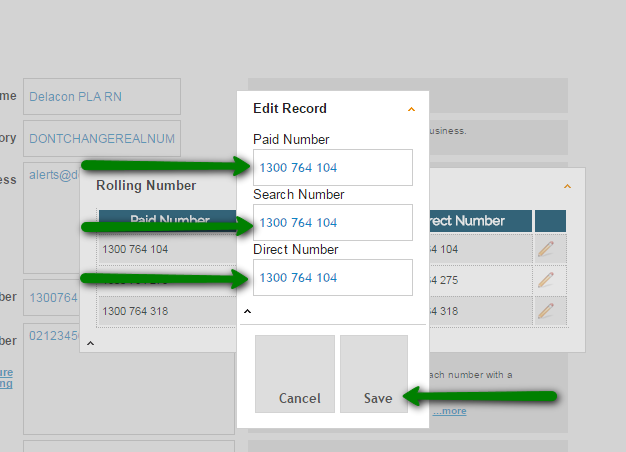
Insert spaces and click save.
Comments
0 comments
Please sign in to leave a comment.